
So lets take a look at self service porthole from Nutanix latest release, I think I will break this up into a series of articles as I learn a bit more I will publish some content.
As their is a separate Prism GUI for Self Service there is a little setup to begin with to get connected to you AD via LDAP.
Note: make sure you set up a LDAP service account to use and also an AD group of administrators you will want to manage your configuration.
Initial Prism Setup

Select “Self Service” from home menu
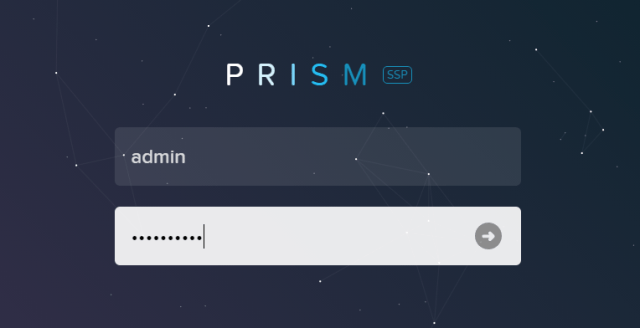
logon with the same admin and username you configured for Prism access
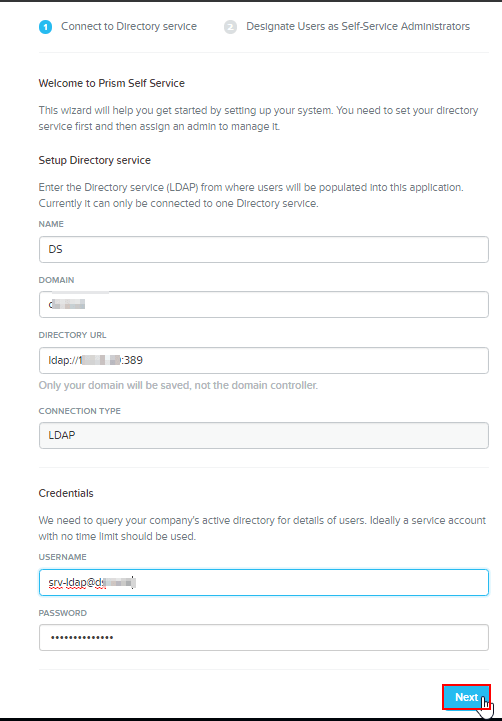
Fill out domain details as above, make sure to use username@domain.ie
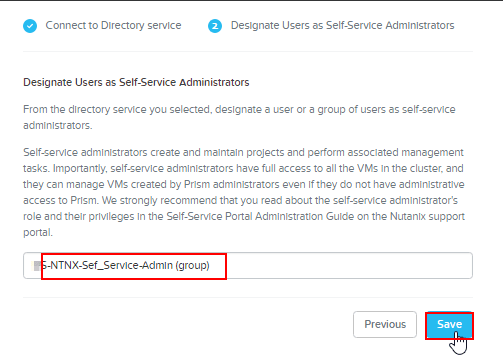
Select the AD administrator group you just set up by starting to type it

and you in and ready to create projects add users and create images.
 ronnie.ie